
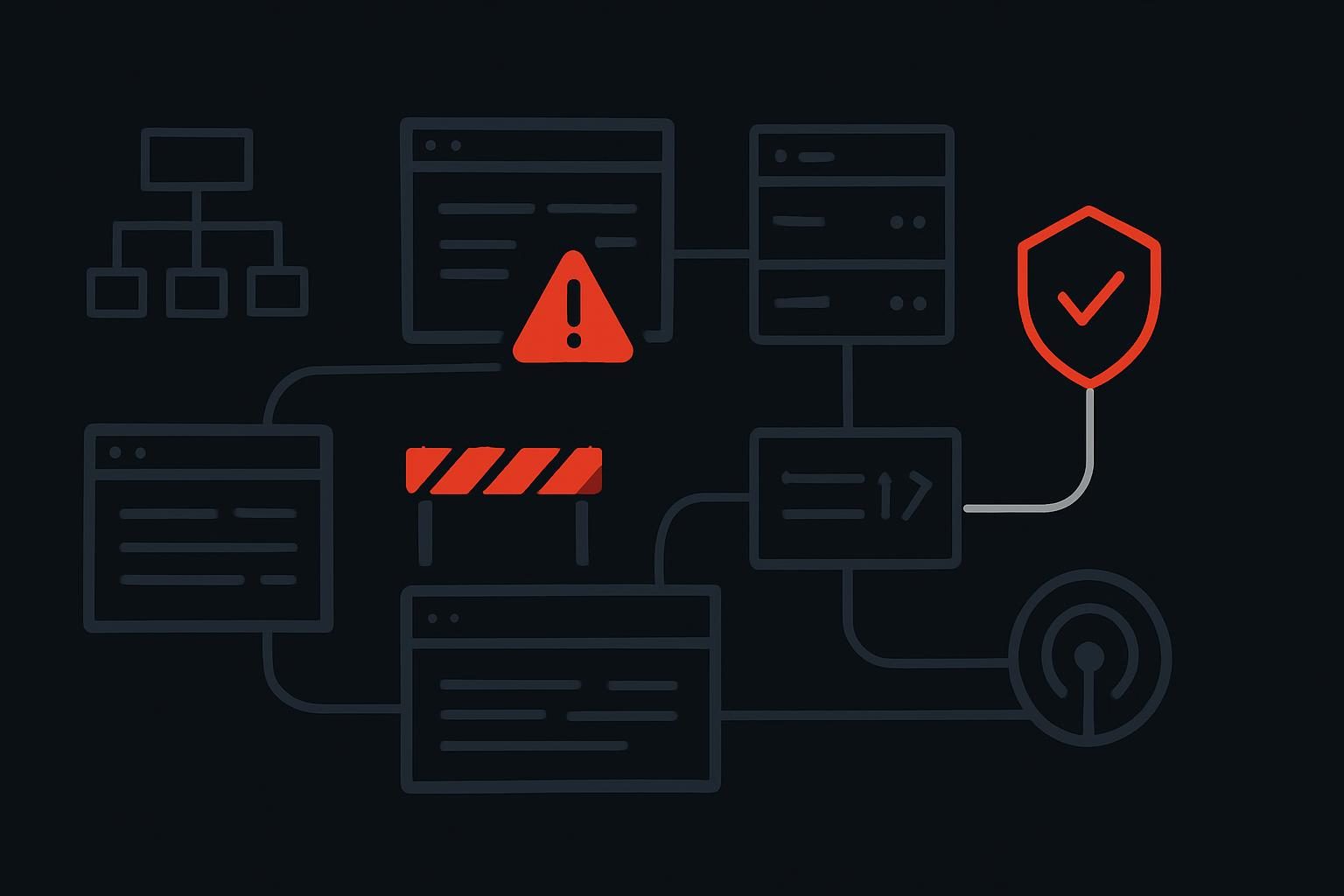
A service page passes a robots.txt check. It returns a normal-looking page in a logged-in browser. A plain unauthenticated fetch, however, gets a sparse shell, a script bundle and little usable body content.
That is a crawler-access problem, not a copywriting problem. For marketing and SEO teams reviewing AI visibility in Dubai, the UAE or elsewhere, the useful question is not whether a named bot is disallowed. It is whether a relevant system can consistently discover, request and interpret the page it needs.
Run the access checks as a delivery chain
An AI crawler access checklist should test the complete path from URL discovery to delivered, rendered content. Check the exact URL, its response and its indexability signals under unauthenticated conditions, then repeat the test where relevant with documented crawler user agents. A permitted robots.txt rule is one input, not a verdict on crawlability, understanding, citation or recommendation.
Start with commercially important URLs: core services, location pages, category pages, comparison pages and supporting evidence pages. Do not begin with a random blog post that happens to return 200.
1. Confirm the URL can be found without guessing
- Check that the preferred URL appears in a current XML sitemap where appropriate.
- Find at least one stable internal HTML link to it from a relevant page.
- Check for orphaned service pages only reachable through on-site search, a form flow or a JavaScript menu.
- Resolve the HTTP and HTTPS versions, plus www and non-www variants, to understand the preferred route.
A crawler cannot reliably use a page it cannot reach through ordinary discovery paths. A sitemap entry is useful, but it does not repair weak internal linking or prove a system will crawl the URL.
2. Record the actual response, not the browser impression
Request the page while logged out, with cookies disabled and without a warmed browser session. Record the status code, redirect chain, response headers and returned HTML.
A common operational issue is a service page that returns 200 to a normal browser after a CDN has accepted its session, while a fresh request is redirected, challenged or handed a minimal application shell. The browser view is real, but it is not the only delivery condition worth inspecting.
- Look for 200, 3xx, 4xx and 5xx responses that vary between repeated requests.
- Follow every redirect and note whether it ends on the intended canonical URL.
- Check whether a country rule, device rule, trailing-slash rule or language redirect changes the destination.
- Save the raw HTML response before assuming the visible page is present in it.
3. Read robots.txt as policy, then test the policy in practice
Check the applicable user-agent groups, disallow paths and sitemap declarations. A broad Disallow: / rule can outweigh a later assumption about a single page, while an incorrectly scoped rule may block a directory used by important content or assets.
Do not use llms.txt as an access test. It may help orient machine-oriented publishing, but it does not override edge security, authentication, rendering or response problems. The practical limits of using llms.txt for AI visibility are worth understanding before treating a file as a crawl strategy.
4. Test the CDN, firewall and rate-limit path
Edge controls often create the gap between an apparently open site and a reliably retrievable one. Inspect response headers and challenge behaviour from a fresh, unauthenticated request. Repeat the request after a short interval rather than relying on one successful fetch.
- Check for bot challenges, interstitial pages, cookie requirements and unusual 403 or 429 responses.
- Review firewall events for important URLs and legitimate automated traffic patterns where logs are available.
- Make sure image optimisation, WAF rules or geo-routing have not intercepted HTML documents unexpectedly.
- Test a small representative set of relevant published crawler user agents, without assuming user-agent spoofing proves how a platform will behave.
5. Compare source HTML with rendered page content
This is where many access reviews become useful. Compare the raw HTML with an unauthenticated rendered result. Is the service description, main heading, contact detail, pricing context or supporting evidence actually delivered, or injected only after scripts, consent handling and client-side API calls complete?
JavaScript is not automatically a failure. The concern is whether critical content depends on an API request that fails for unauthenticated visitors, waits behind a consent layer, returns differently at the edge or occasionally produces an empty state. If the HTML contains only a root element and several scripts, treat it as an investigation rather than proof of machine readability.
6. Check canonical and indexability signals together
Access and understanding are separate jobs. A page can be fetchable but send contradictory signals about which URL represents it. Inspect the canonical element, meta robots directives, X-Robots-Tag headers, pagination rules and hreflang implementation where relevant.
Structured data can add useful entity and page relationships, but it cannot compensate for an inaccessible or inconsistent document. For that separate layer, see the practical role of schema in helping AI systems understand a business.
| Check | What to capture | What a failure usually suggests |
|---|---|---|
| Discovery | Internal source URL and sitemap presence | Orphaned or weakly linked page |
| Response | Status code, redirects and headers | Unstable routing or server handling |
| Edge security | Challenge, 403, 429 or cookie requirement | CDN or firewall interference |
| Rendered content | Main content present in source and rendered output | Client-side dependency or failed data request |
| Canonical signals | Canonical, robots and header directives | Conflicting preferred-page instructions |
Keep access failures separate from understanding failures
Do not redesign content before you know which problem exists. An access failure means the page cannot be consistently reached or delivered in usable form. An understanding failure means the page arrives, but its topic, entity, claims or structure are too vague for reliable interpretation.
The fixes are different. Access work may involve CDN rules, cache behaviour, server responses, templates, redirects or rendering. Understanding work may involve page structure, answer-ready content, entity clarity and supporting structured data. Treating both as generic GEO can waste several months.
For the wider technical work around machine readability and AI search optimisation, use FlareFalcon’s technical AI-search optimisation checklist after the delivery path is proven. It is more useful once you know the page is actually reaching the requester in a stable form.
Finish with a test log someone else can repeat
A useful audit record is deliberately boring. Log the date and time, URL, requester condition, user agent where used, status code, redirect destination, robots rule, edge result, raw HTML observation, rendered-content observation, canonical signal and next action.
Keep screenshots only where they show a meaningful difference. The more valuable evidence is often the raw response, header set and repeatable route to the failure. That gives a developer or CDN owner something to fix, rather than a vague instruction to make the site more AI-ready.
Questions that arise during crawler access testing
Which crawlers should be checked?
Prioritise Googlebot for conventional search foundations, then relevant documented crawlers or fetch mechanisms associated with the AI platforms your audience uses. Also test a plain unauthenticated request. Platform behaviour changes, and a user-agent test is only a diagnostic proxy, so it should not be presented as proof that a specific assistant has crawled a page.
Can JavaScript block usable content for AI systems?
Yes. The issue is not JavaScript itself but reliance on successful client-side rendering and data calls. If the main body content is absent from the initial response, delayed behind consent handling or unavailable to a clean request, some systems may receive very little usable material. Compare source HTML, rendered output and repeated unauthenticated requests.
Does allowing a bot guarantee inclusion in AI answers?
No. Permission only removes one possible barrier. Inclusion in search results, citations or recommendations depends on platform choices and other factors, including content relevance, machine readability, entity clarity, external corroboration and the query context. First establish reliable delivery, then assess those other signals on their own merits.